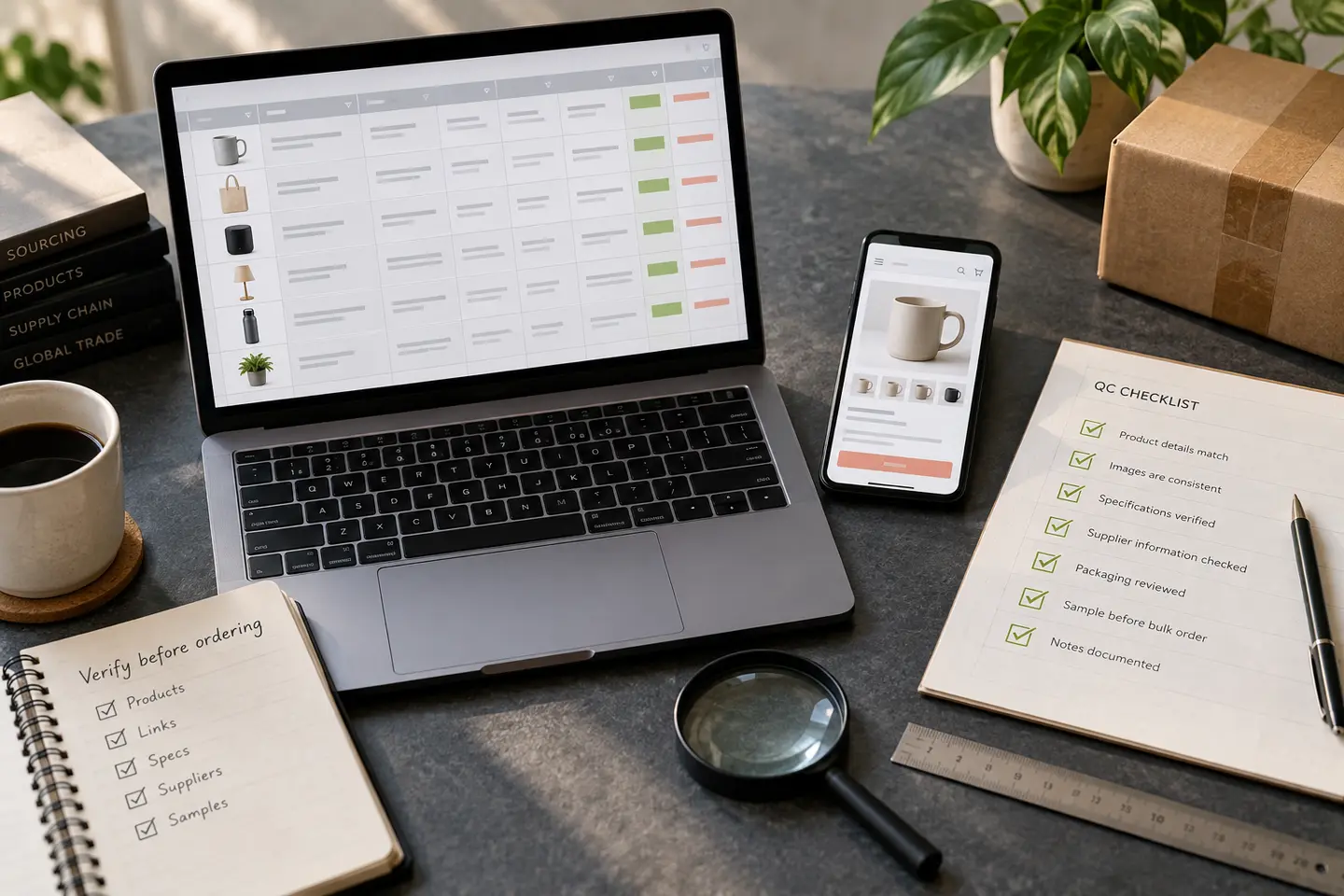
A good product spreadsheet saves time because it turns thousands of marketplace listings into a smaller, browsable set. The danger begins when the shortlist is mistaken for proof. A product name, thumbnail and W2C link can tell you where to look, but they cannot guarantee that the seller still offers the same item, that the displayed price belongs to the pictured variant or that the product remains practical to ship.
The safest way to use a USFans spreadsheet is therefore not to click and immediately pay. It is to treat every row as a research lead. Open the current destination, compare it with the spreadsheet entry, read the live variation and seller information, and decide what the warehouse photos must later confirm.
USFans currently describes a flow in which buyers paste marketplace links into its search bar, pay for the item and Chinese local delivery, and have the product sent to the USFans warehouse. Current product pages state that three to seven free HD inspection photos are provided after arrival.
1. Use the spreadsheet as a shortlist, not a shop
A spreadsheet is a discovery layer. Its job is to help you scan categories, compare broad styles and reach a more detailed page. It is not the final record of price, stock, measurements or seller policy.
That distinction matters because marketplace listings change. A seller may remove a variation, update an option image, replace the main photograph or move the item to another listing. Even when the URL still opens, the page it reaches may no longer represent the original spreadsheet row. Your first question should not be “Do I like this product?” but “Does this destination still describe the product I intended to open?”
2. Begin with a specific buying requirement
Do not start by saving every attractive row. Write down the facts that would make the item usable: category, color, size or dimensions, quantity, acceptable packaging and any feature you cannot compromise on. This creates a simple filter for noisy listings.
For example, “black zip hoodie” is too broad. “Black zip hoodie, chest measurement within my target range, no oversized back print and one piece” is a specification. When the W2C page opens, you know which information must be present. If the page cannot answer those points, the entry is not ready for purchase.
3. Check where the W2C link actually lands
A working link is not necessarily a correct link. Confirm that it opens a specific product page rather than a login screen, search result, seller homepage, generic category or unrelated replacement product. Then compare the current page title and main option images with the spreadsheet description.
Small differences are important. “White running shoe” on a spreadsheet may lead to a page containing several models, quality versions and packaging choices. The thumbnail proves only that one related image appeared in the listing. It does not identify the option you will receive.
If the link redirects or opens an unexpected product, stop. A visually similar replacement is a new purchase with different seller conditions. Record the row as outdated and continue with another verified route.
4. Identify the marketplace source
USFans works with links from major Chinese marketplaces including Taobao, 1688 and Weidian. Confirm the source shown on the current product page because each listing structure carries different clues. A 1688 page may emphasize minimum quantities and supplier-style options. A Weidian listing may rely more heavily on image variations, model codes or brief seller notes. Taobao and Tmall listings may provide richer store and specification information.
The marketplace label does not automatically make one seller safer than another. It tells you how to read the page and which missing details deserve attention. Keep the source in your order notes so that you can later compare the warehouse result with the right original record.
5. Match product identity before comparing price
Price is meaningful only after identity is stable. Compare the spreadsheet title and image with the live title, model reference, option photographs, material or construction description, and any measurements. If two different versions share the same main image, determine which selector controls the difference.
Never assume the lowest displayed amount buys the item in the main photo. A price range may cover an accessory, basic version, smallest size or reduced packaging. Select the intended combination first; then read its price.
6. Decode every variation as one complete sentence
Read the complete order back to yourself: model, color, version, size, packaging, quantity. A correct product with one wrong selector is still a wrong order.
Translated option names can be awkward, so combine text with option images, size charts, model numbers and seller descriptions. If two choices remain indistinguishable, use a concise remark with the exact option code and one visible feature. Avoid “same as the photo” when a listing contains many images.
The remark should support the selected controls, not contradict them. If the dropdown says size 42 while the message asks for 43, the order contains two different instructions. Correct the selector before payment.
7. Treat stock and seller information as a snapshot
When inventory, seller or store information is visible, record it, but remember that it describes the page at that moment. A large inventory number is not a promise that your precise color and size will be available when the agent purchases it. Some values are generic listing quantities rather than real-time variant stock.
Decide your response to an unavailable option before ordering. “No substitution; refund if unavailable” is clearer than allowing someone to choose an unresearched replacement.
8. Separate domestic freight from international shipping
The buying journey has two shipping stages. First, the seller sends the item to the USFans warehouse in China. Later, the warehouse sends a packed parcel to your address. The local delivery amount belongs to the first stage and should not be mistaken for the complete international bill.
Add the current product price and Chinese domestic freight when comparing spreadsheet finds. Then screen the item for its likely international effect: weight, packed dimensions, fragile or sensitive contents, and unnecessary retail packaging. The final parcel cost cannot be confirmed from a spreadsheet row because it depends on the warehouse measurement, destination and available route.
9. Read seller restrictions before relying on QC
Warehouse inspection is a checkpoint, not an unlimited return guarantee. Current USFans product pages explain that items are checked and photographed after warehouse arrival, while after-sales outcomes still depend on the seller and the item. Some listings can contain customized, non-returnable or no-reason-return restrictions.
Look for those conditions before payment, especially with unusual sizes, personalized goods, clearance items and options made to order. QC can show a visible mismatch or defect, but it cannot remove a condition you accepted when the order was placed.
10. Create a compact pre-order record
For every purchase, save the spreadsheet label, current product title, marketplace source, seller or store name when shown, selected variation, quantity, item price, domestic freight, seller restriction and the date checked. Add screenshots of the selected option and size information if those details are likely to change.
When the item reaches the warehouse, this record lets you compare QC evidence with a fixed specification instead of a changed listing or memory.
11. Decide what the warehouse photos must prove
USFans currently advertises three to seven free HD inspection photos. Before ordering, turn that photo allowance into a category-specific checklist. For shoes, verify the pair, colorway, size labels, sole and visible surface condition. For clothing, check front and back, size tag, print or embroidery placement and measurements when available. For a bag, inspect shape, hardware, strap, seams and closures.
Photography can verify visible facts. It cannot prove comfort, long-term durability or exact fiber content. Build the decision around what the evidence can show.
12. Run a final link-to-parcel check
Before payment, ask four questions. Does the link reach the intended product? Is the exact variant unambiguous? Are seller conditions acceptable? Is there a realistic international shipping route for the item type?
If one answer is no, leave the row in research status. Walking away from an unclear listing is cheaper than solving the problem after it occupies warehouse space.
A practical ten-minute verification routine
Spend the first two minutes comparing the spreadsheet row with the landing page. Use the next three to identify the marketplace, seller, variation, quantity and domestic freight. Spend two minutes reading seller notices and screening shipping restrictions. Use the final three to save the order record and write the QC checklist.
This routine turns quick clicking into controlled research. The goal is to catch avoidable errors before they create warehouse or international shipping costs.
Frequently asked questions
What is a USFans spreadsheet?
It is an independently organized catalogue of product references and shopping links that helps buyers discover items before opening the corresponding product page.
Does a spreadsheet link prove that an item is still available?
No. Availability, price, variants, seller terms and domestic freight must be checked again on the current page.
What should I verify after opening a W2C link?
Verify the marketplace source, seller or store, exact item, selectable variant, quantity, domestic freight, seller notices, QC needs and international shipping suitability.
How can I recognize a mismatched W2C link?
Compare the spreadsheet title and image with the current page title, option images, model details and available variants. A visually similar landing page is not enough.
Can warehouse QC fix a wrong spreadsheet selection?
QC can reveal visible differences after arrival, but it cannot make an ambiguous order precise or override seller-specific return restrictions.
Should I estimate international shipping before buying?
Yes. Screen likely packed size, weight and sensitive-goods characteristics before payment, then use current parcel data again after warehouse arrival.
Final takeaway
The best USFans spreadsheet workflow has three stages: discover in the spreadsheet, verify on the current product page and inspect against a saved order record at the warehouse. Each stage answers a different question, and none should be skipped.
A spreadsheet can lead you to a strong find, but the live page must confirm what is purchasable now. Once the exact source, variant, cost layers, seller conditions and QC target are clear, the link becomes more than a shortcut. It becomes the start of a traceable buying decision.